Browse the crates
A "now on the turntable" record and genre bins over the bundled public-domain catalogue. Works without an account or a server.
Free and open source · self-hosted
Beta · v0.0.3Open Record is a dark, vinyl-shop listening room for phone, desktop and web. Browse the crates, search, keep a library and playlists, and play it all on a virtual turntable.
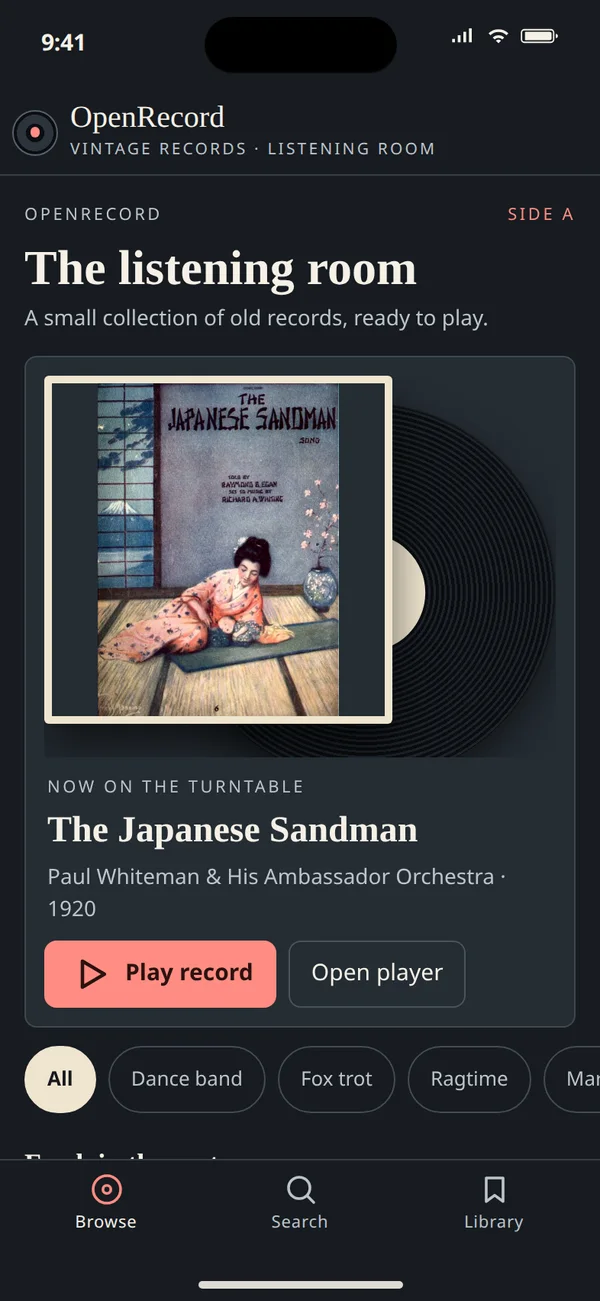
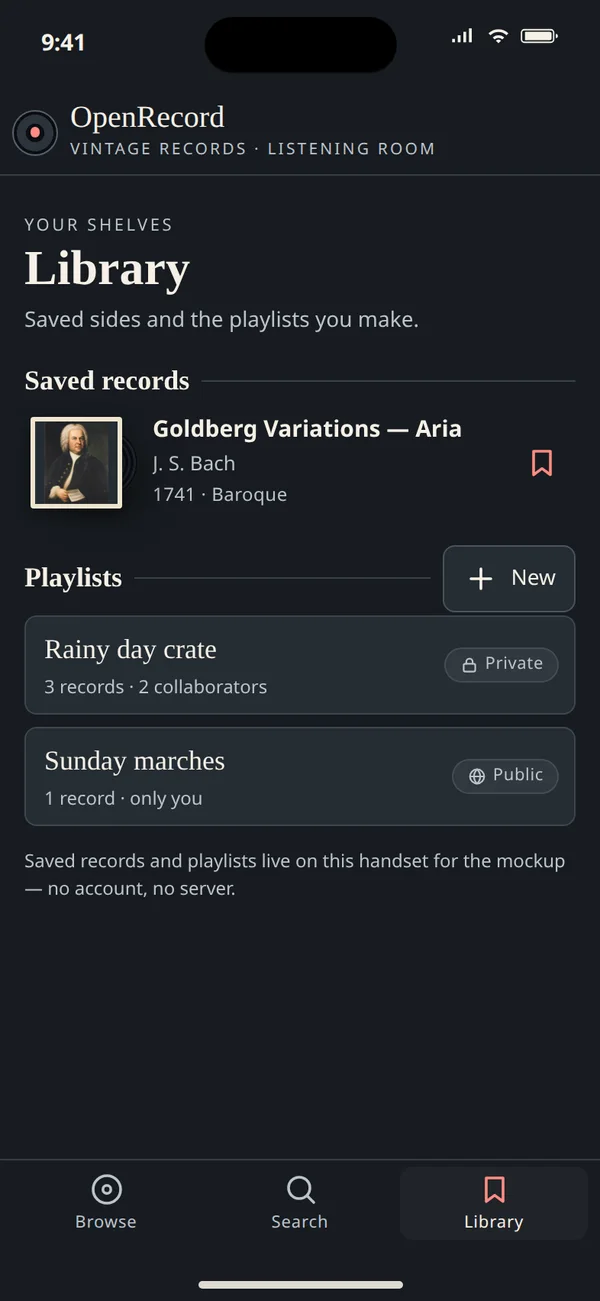
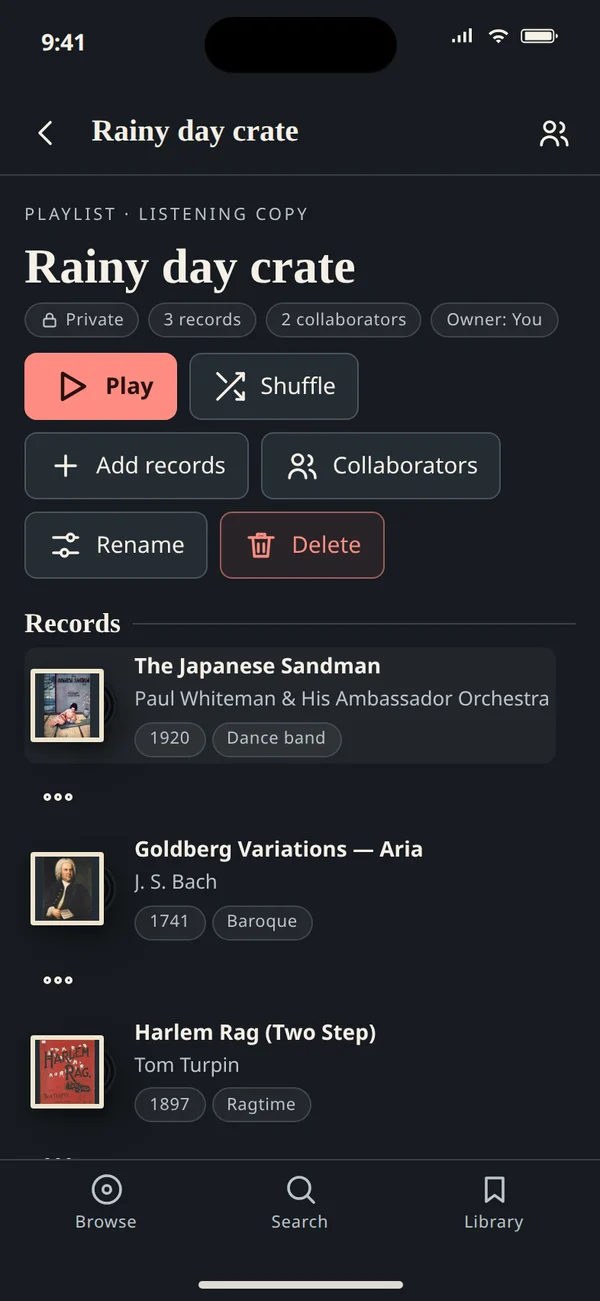
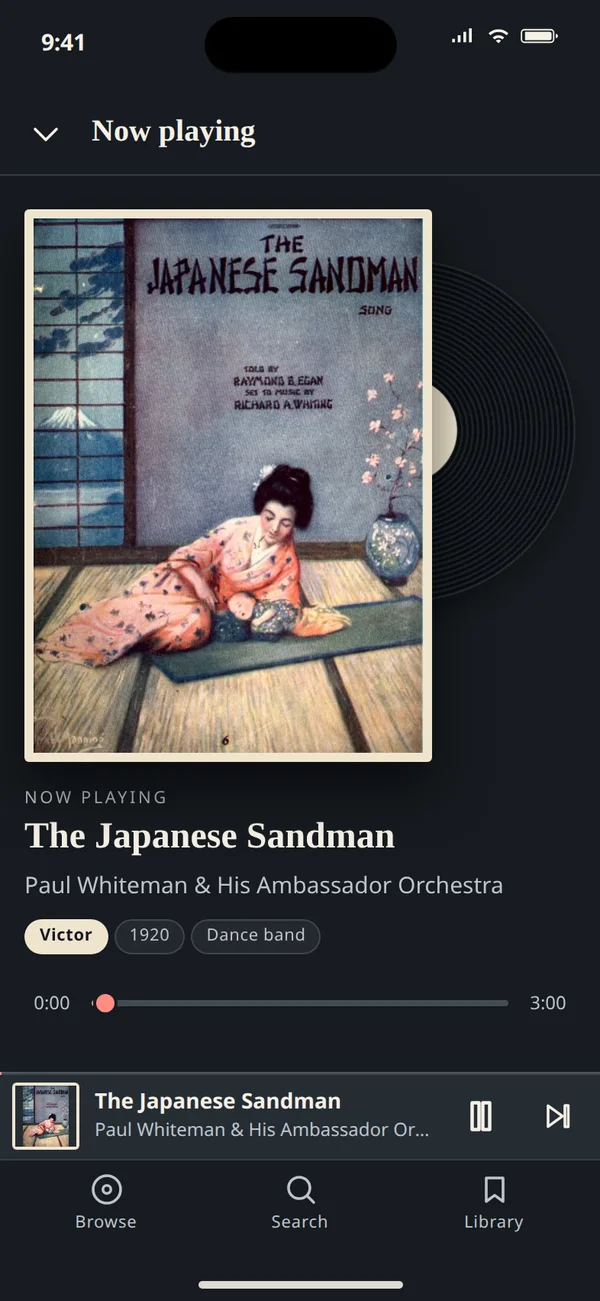
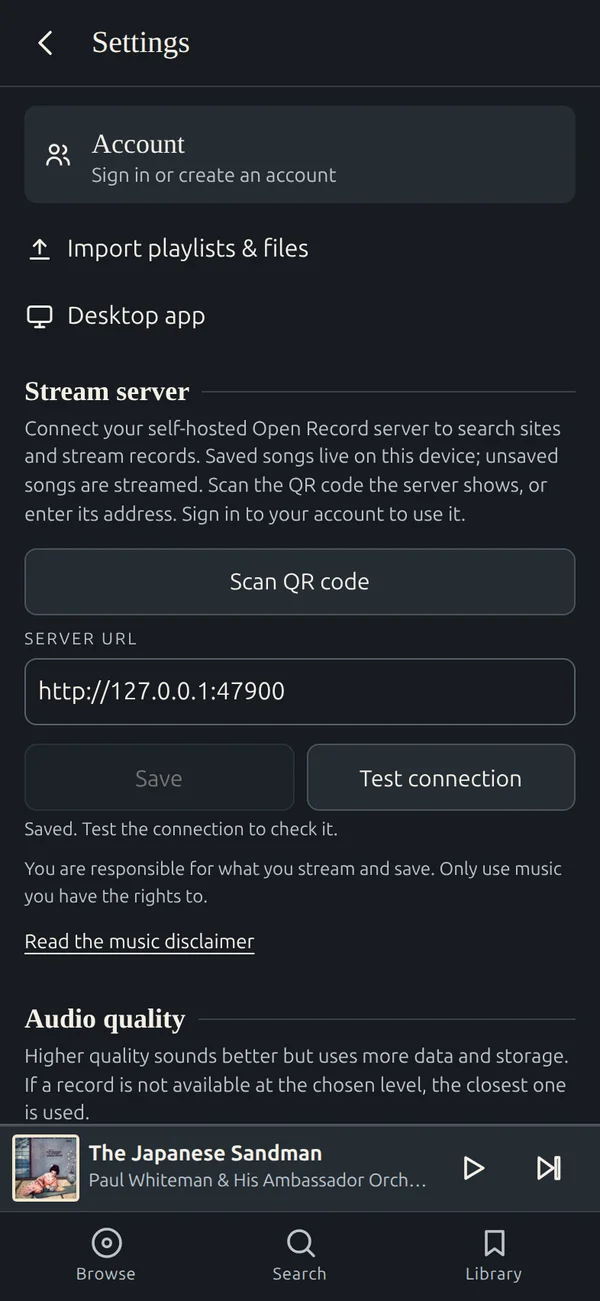
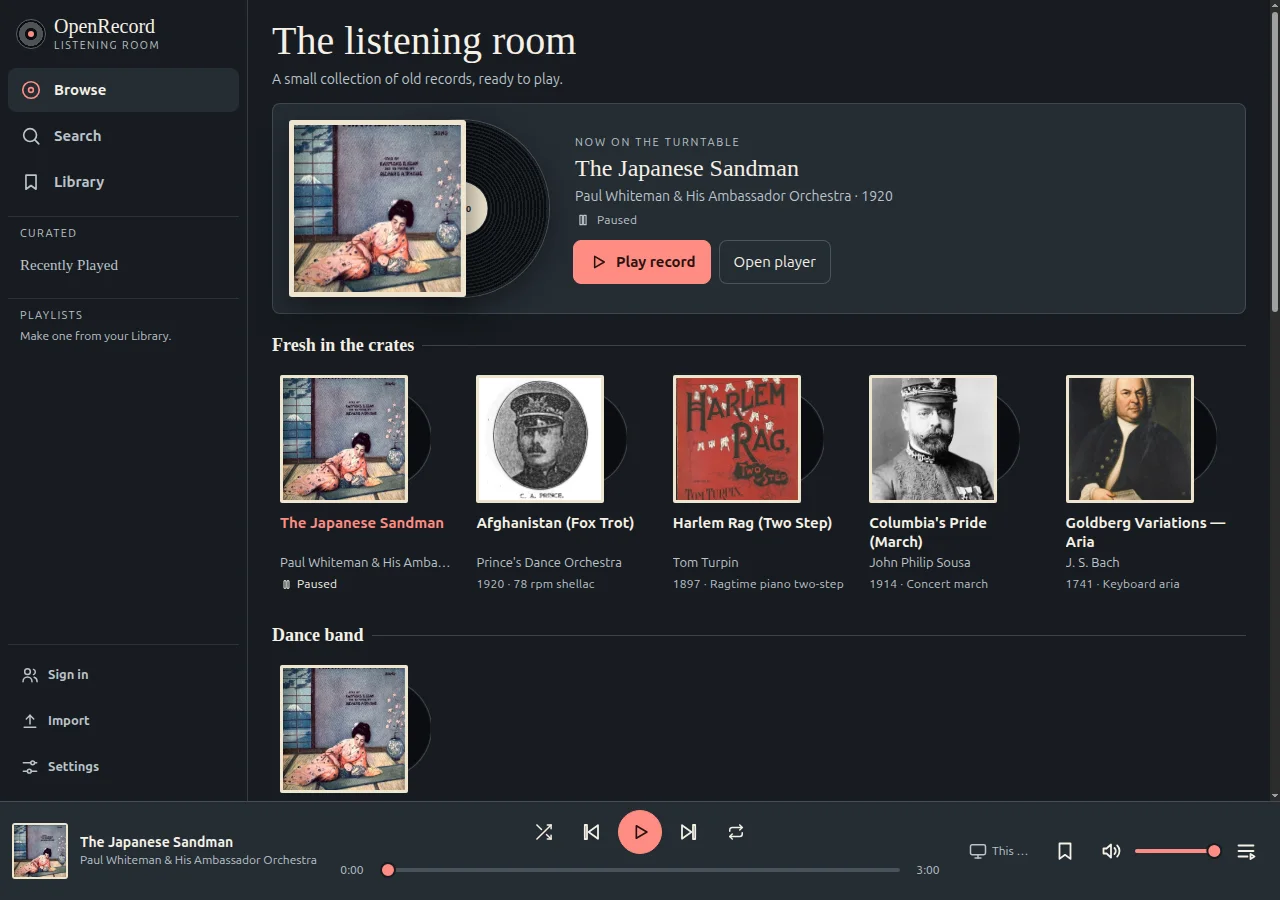
A "now on the turntable" record and genre bins over the bundled public-domain catalogue. Works without an account or a server.
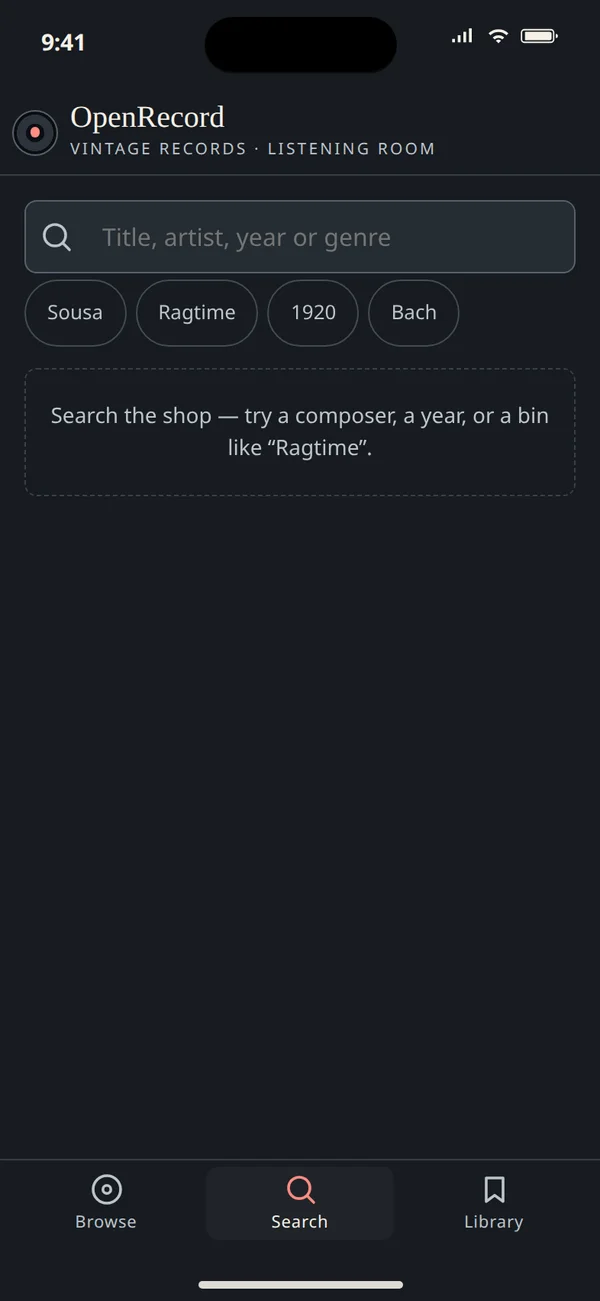
Search by title, artist, year or genre. With your own server, search YouTube, YouTube Music and SoundCloud, or paste a link from a supported site.
Save records, keep playlists marked private or public, filter by title, artist and album. On desktop, library lists become sortable tables.
Add audio files from the device with editable tags and art. Bring in Spotify Exportify CSV or JSON, or YouTube and YT Music playlist and song links. Uncertain matches wait in a review list.
With your own stream-link server, the app gets a direct link and can save the file to the device. Tags and cover art come from iTunes and Deezer lookups.
Switch on auto-download for the library or a playlist. Downloads wait for Wi-Fi by default. Failed songs show the reason, with Retry and a Fix link page.
Full-screen player with sleeve art and a seek bar, a mini player, Play next, Add to Stack, an editable queue (Your Stack and Keep Spinning), and play counts. Desktop adds a side panel, keyboard shortcuts and media keys.
Your own Supabase project syncs track metadata, saved songs, playlists and import history, never audio. Signed-in users can also share playback with Google Cast speakers on the LAN.
The Android app, the iPhone build, the desktop app or the web app browse, play and keep your library on the device you use.
A small Fastify server with yt-dlp finds a direct audio link for search and streaming. It does not proxy audio, except for Google Cast playback; the app fetches the audio itself. You run it on your own hardware.
Accounts, sync and Cast use a Supabase project you create and own. Sync covers metadata, saved songs, playlists and import history, never audio.
Desktop installers are unsigned and do not update themselves: expect SmartScreen warnings on Windows, and install a newer build over the old one. macOS installers are coming later; build from source for now. Android is beta-tested. iPhone is build-from-source only.
Ubuntu 24.04 and similar. Adds the launcher entry.
sudo apt install ./OpenRecord-linux-amd64.debRun chmod +x, then start it. Some systems need FUSE 2 (libfuse2t64); the .deb avoids that.
SmartScreen shows "Windows protected your PC". Choose More info, then Run anyway.
macOS installers are not part of v0.0.3. Build the desktop app yourself with npm run desktop:dist.
Android 7 or newer. Not on Google Play. Updates install over the old app only when signed with the same key.
Needs a Mac with Xcode and a free Apple ID. Builds expire after 7 days; re-run from Xcode to re-sign. No App Store, TestFlight or prebuilt download.
One Electron app bundles the web UI, the local server, yt-dlp and ffmpeg. It works offline for the bundled catalogue, local imports, playback, playlists and history.
There is no iPhone binary to download. You build the app from source on a Mac with Xcode, sign it with a free Apple ID, and install it on your own iPhone. That install expires after 7 days, and you re-sign it from Xcode.
Search and streaming need a stream-link server. Use the desktop app's bundled server, or run your own from source, and pair your phone over your home Wi-Fi. That traffic is plain HTTP, so use trusted networks only. Nothing is port-forwarded; for use outside your home, put the server behind HTTPS.
Is it free, does it work offline, do you need a server or Supabase, and what do the desktop warnings mean?